Updated on 2026-09-18
Years ago, at the nudging of a former co-worker and friend, I decided to try working in the IT field as a Lotus Notes developer. About 2 years into my IT career, I determined that I needed a way to store code snippets and tips so that I could have a handy reference that allowed easy and quick retrieval of information for use on any project on which I was working.
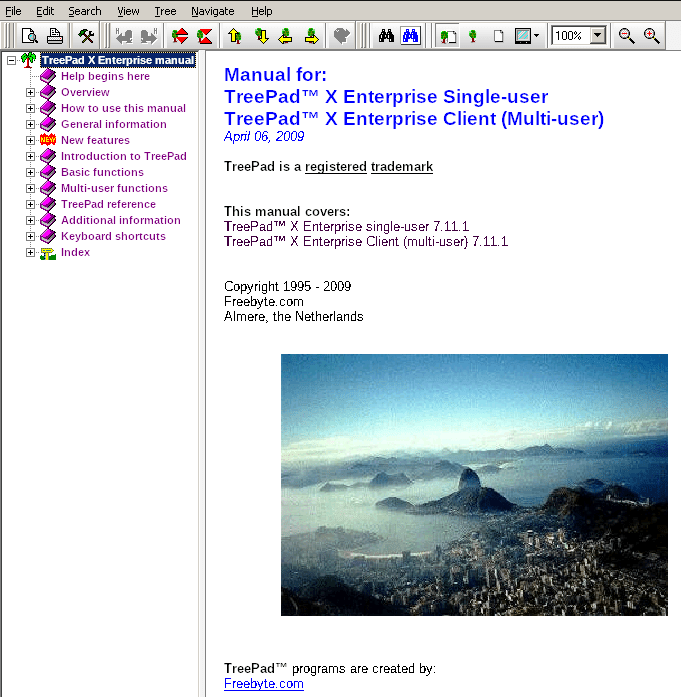
After quite a bit of Internet research, I narrowed my choices down to two candidates: Info Select and TreePad . I eventually decided on TreePad after spending a bit of time using each program. I preferred the look, feel, and functionality of TreePad. Additionally, the initial price of TreePad was cheaper and it came with a lifetime license.
TreePad was a free-form database program, organized in a tree or node and article fashion. Although there had not been a major upgrade for a number of years, TreePad still worked very well for information storage and retrieval. I initially used TreePad for the storage of Lotus Notes code snippets and tips as well as time tracking and reporting, but I later used it for a variety of information storage and retrieval needs: address book, blog drafts, various tip databases, various journals, database of all the music CDs I own, poems database, and quotes database.
I enjoyed using TreePad for information storage and retrieval because of the tree or node structure and the article-centric method of data storage. Entering data was very similar to using a word processor. I could enter data using rich text, images, Internet links, and links to other articles within the same database. You could also create rudimentary tables in TreePad. Searching could be performed within an article or within an entire database.
While TreePad was generally developed for the Windows operating system, I experienced only very minor issues running it under Wine in Linux.
There were three free editions of TreePad available (Linux, Raspberry Pi, and Windows), but those editions only allowed you to store notes in plain text format. There were a number of paid editions of TreePad available. I initially started out using TreePad PLUS, upgraded to TreePad SAFE and then TreePad Business, and finally upgraded to TreePad X Enterprise, Single-user, 12 Gb. There was also a server (multi-user) edition of TreePad available, but I never tried that edition. A nice comparison of the different editions was available on the TreePad site.
There are a number of export options available for sharing databases with others. You could export a full database or a separate tree or node as a web site or as one HTML document, and articles could be exported as an HTML page, as a rich text document, or as a plain text file. There was also a free TreePad Viewer app that allowed others to view TreePad databases in HJT and TPD formats (both Treepad file formats). Finally, there was a free e-book creator app that enabled the creation of e-books from TreePad databases.
Additional Treepad resources:
Following are screenshots of some of the databases I created with TreePad.
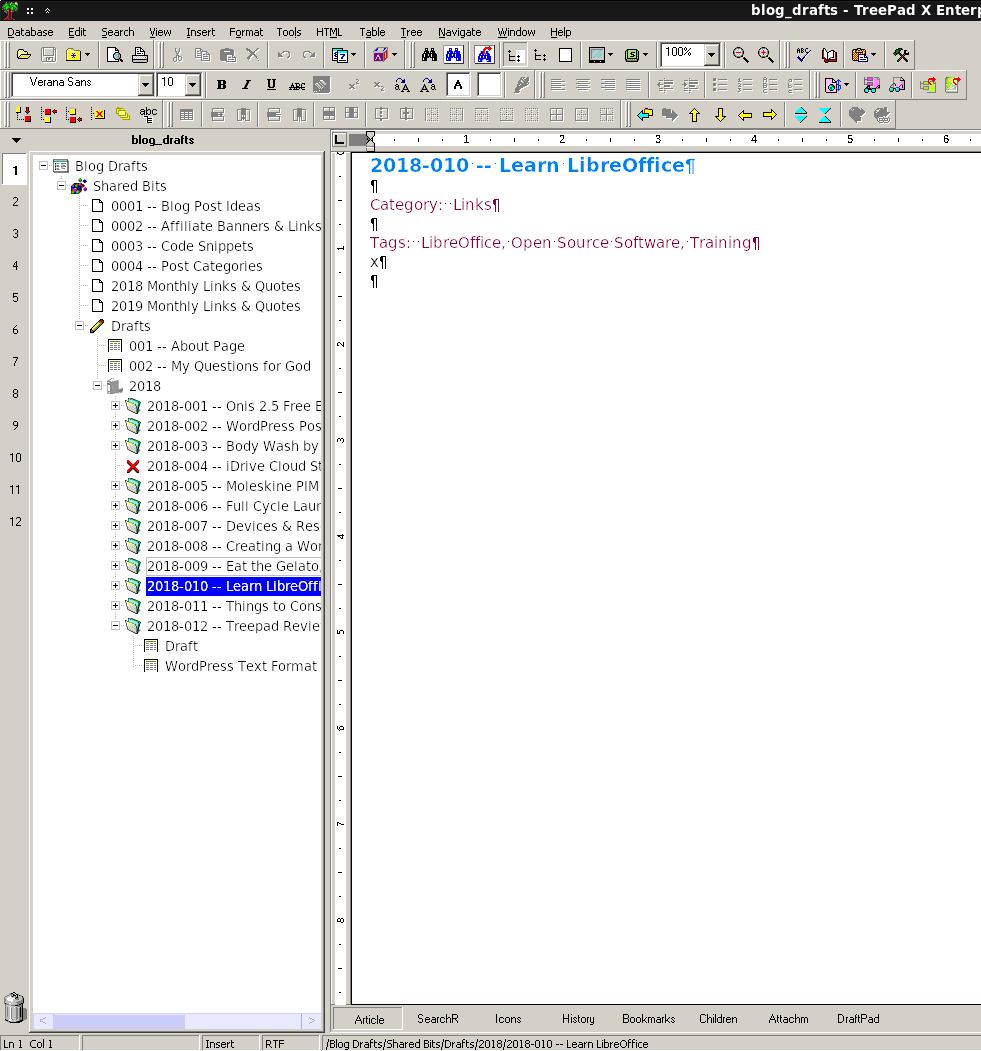 Blog drafts
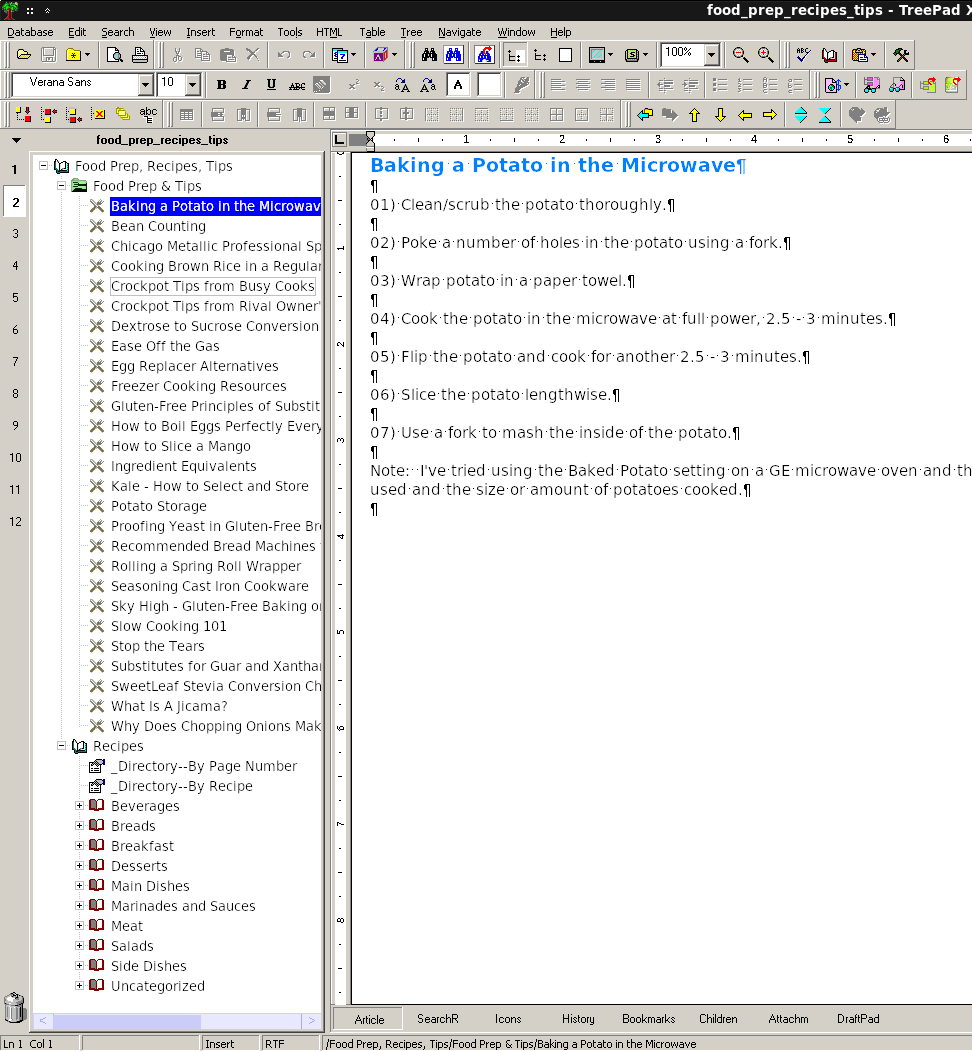 Food prep tips and recipes
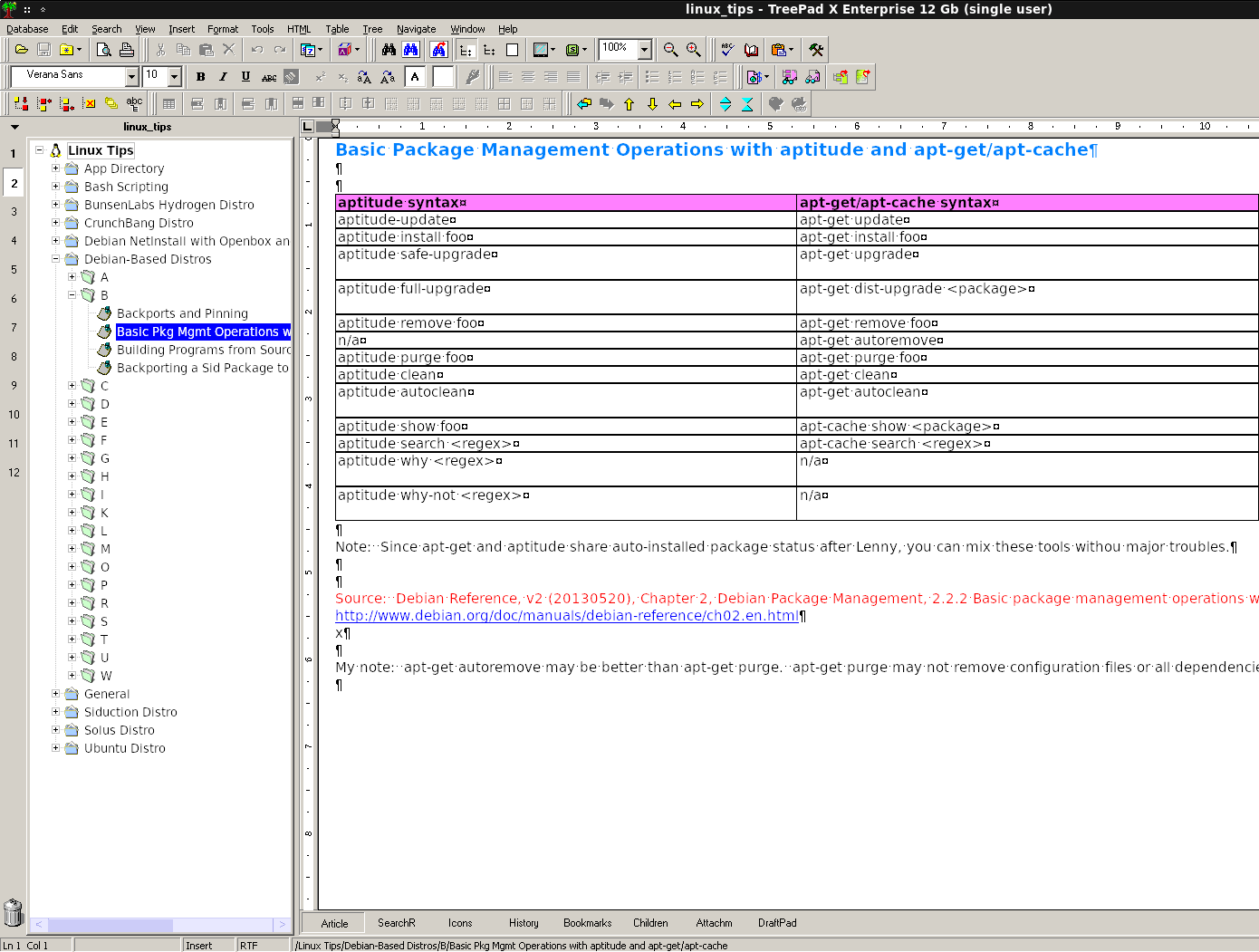 Linux tips
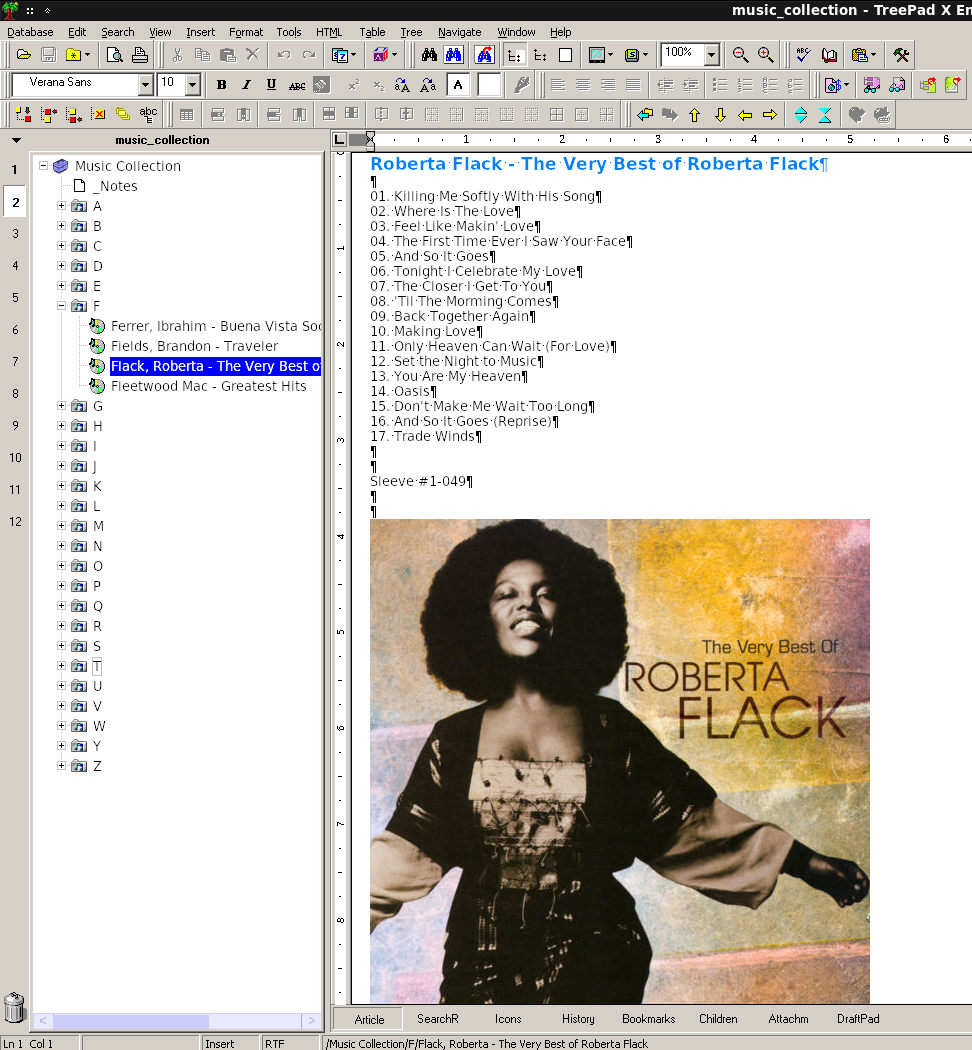 Music collection
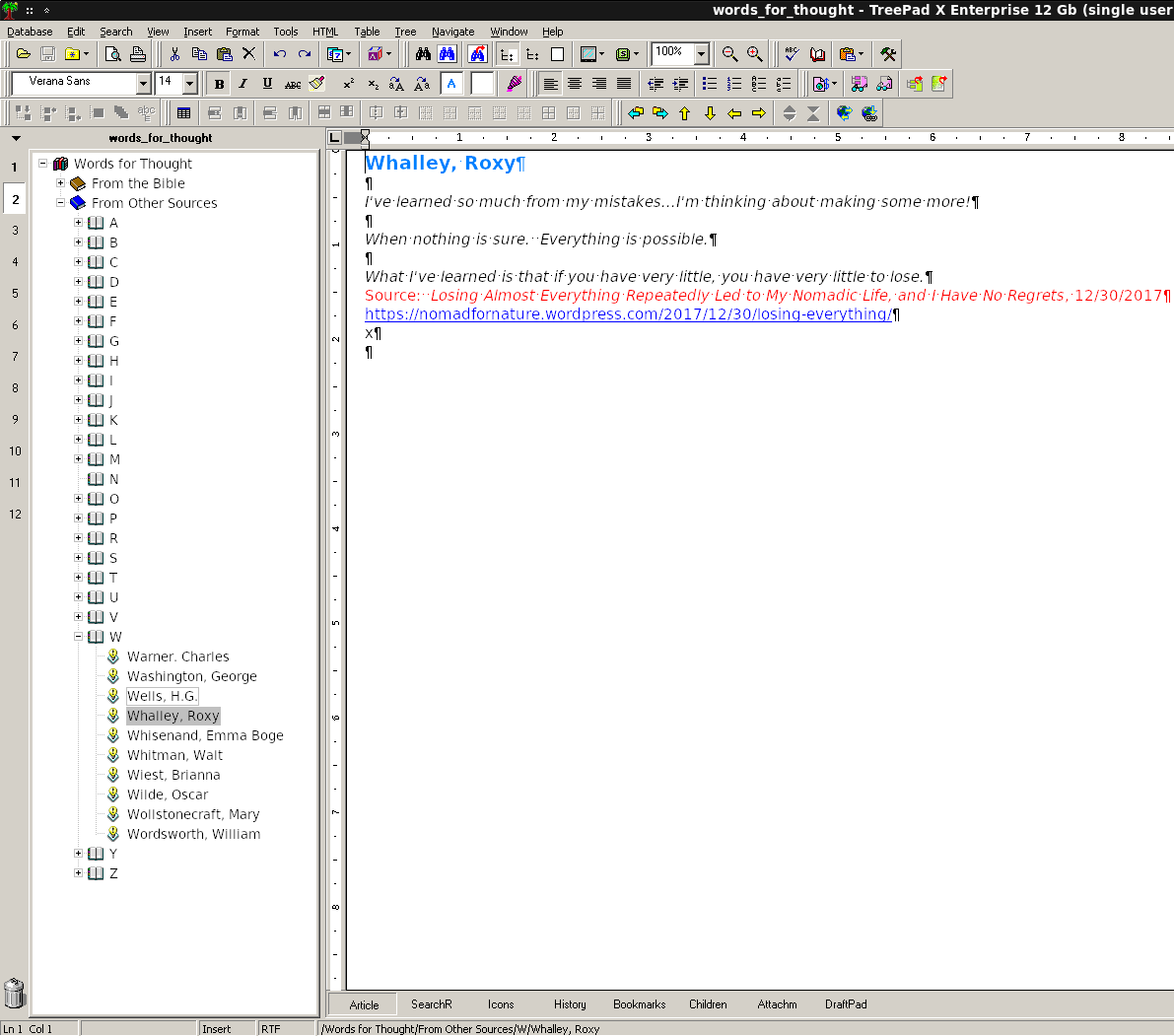 Quotes database
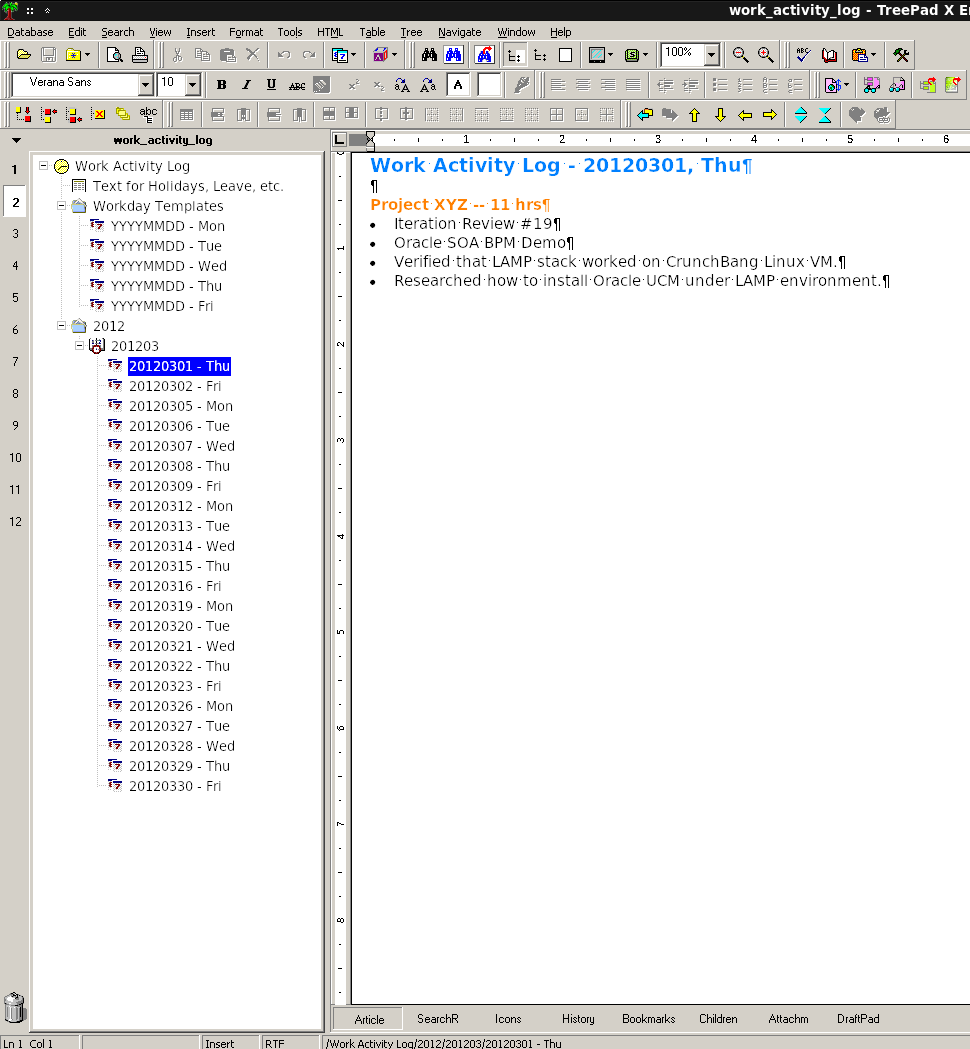 Work activity log
2018-012